

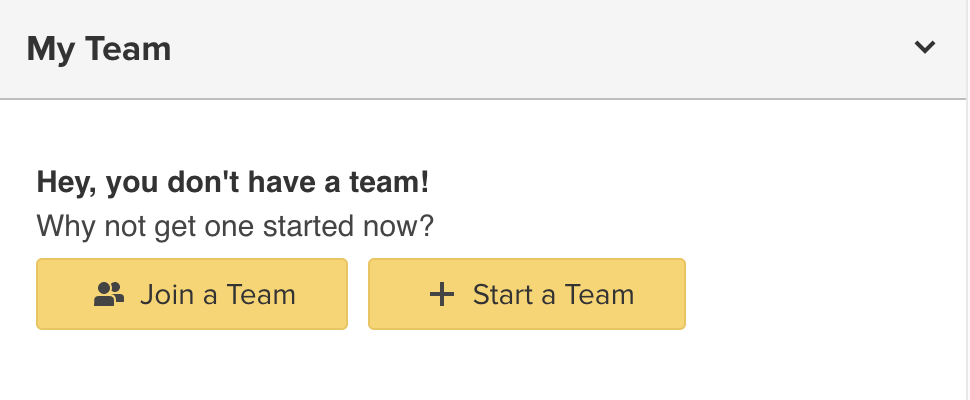
From your Fundraising page, click on the Team tab and then choose Start a Team.
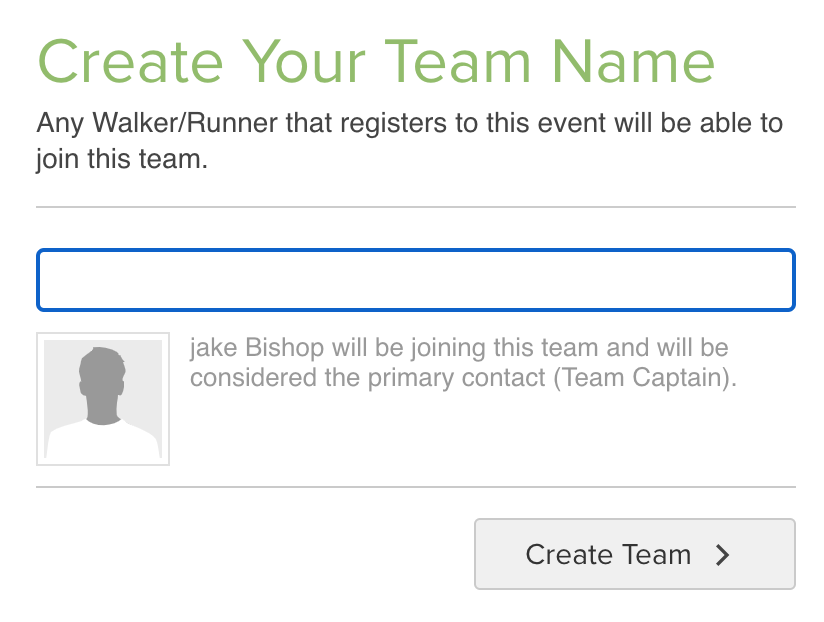
Name your team and click Create Your Team
Once your team is created, others will be able to join your team.
Note: if these options are not available, your organization may not allow teams.