In some cases you can delete or cancel a pledge or gift right from your Fundraising page. Other changes will need to be made by the organization contact person.
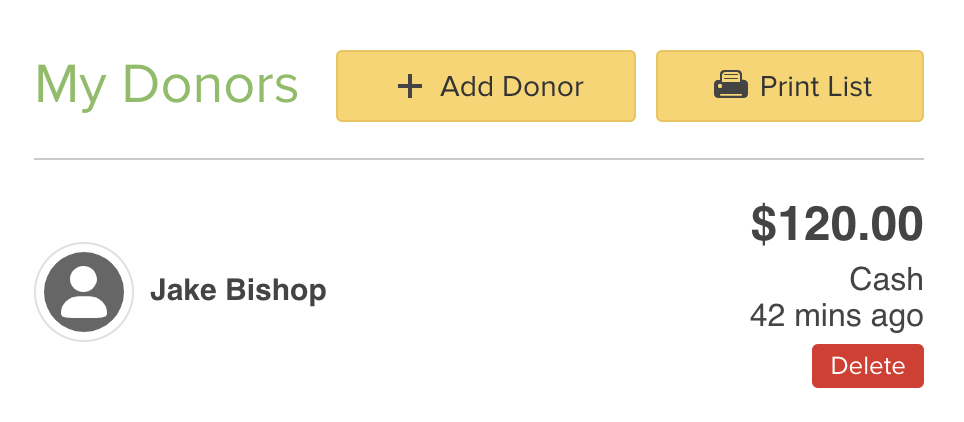
Donations that are recorded by the participant can be canceled by clicking on the Delete link next to the sponsor's name in the Donors tab.
To edit a donation, you'll need to delete and reenter the donation, or contact your event contact.
Donations that are made online can only be refunded by the beneficiary organization. The organization contact information appears in the About My Beneficiary section of your Fundraising page